

SpiderVPN

Private browsing on every device you use

One account covers up to 10 phones, tablets and TVs. Add a preconfigured router when you want the whole home protected.

14-day refund for new customers

  • Up to 10 devices at once
  • 14-day free trial for new customers
  • Router option for TVs and consoles

Works on

  • iPhone and iPad
  • Fire TV
  • Linux
  • SpiderVPN Router
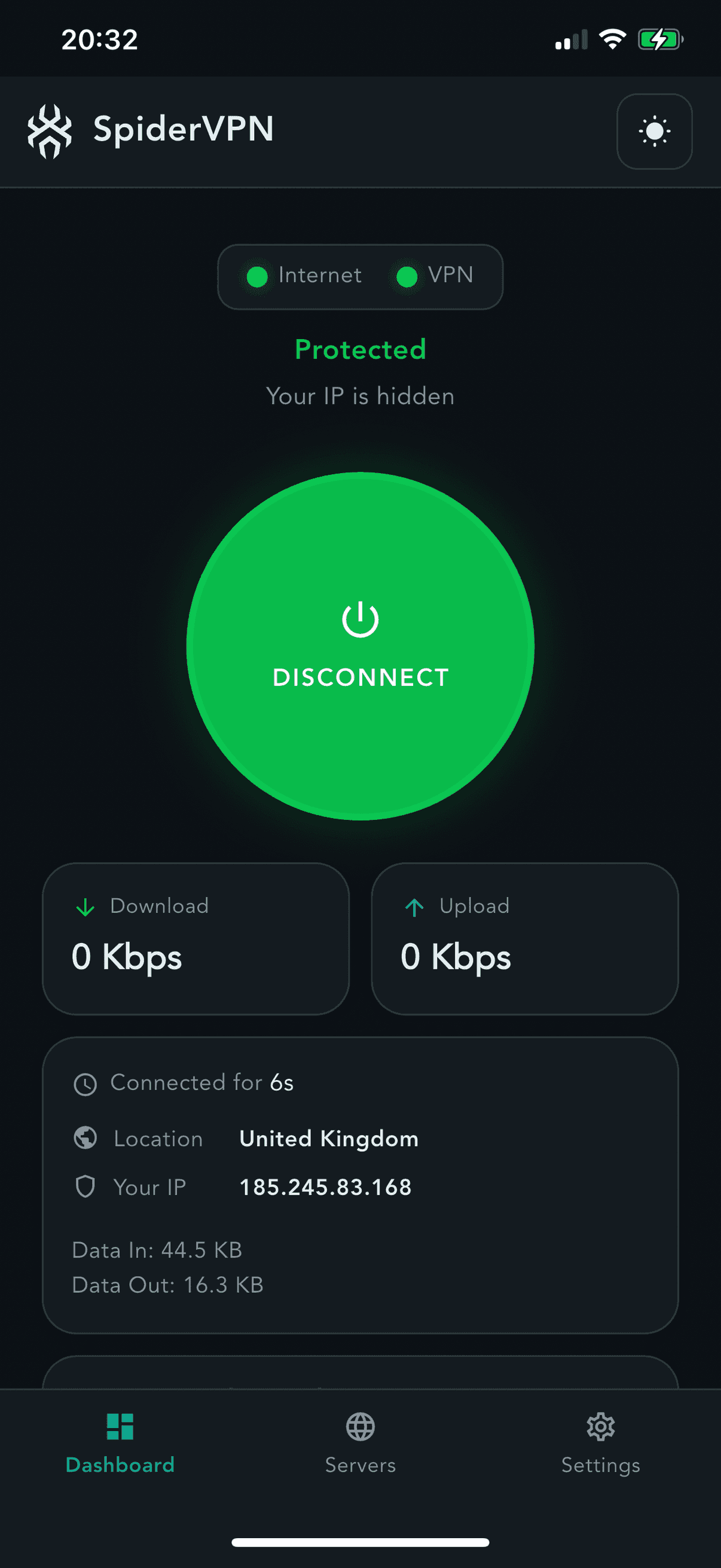
The SpiderVPN app on an iPhone, ready to connect to United Kingdom

SPIDERVPN ROUTER

One router. Every screen at home.

A preconfigured SpiderVPN router protects devices that cannot install an app, without changing how your household connects.

Wi-Fi devices
Wired devices
TV and streaming
Games consoles
Compare router plans
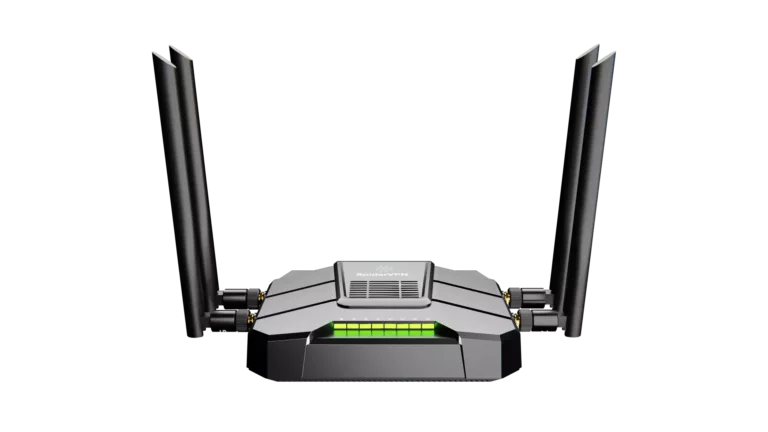
SpiderVPN router with four antennas

SPIDERVPN APP

Connect without the clutter.

Pick a location, connect, and see your protection status at a glance. Your account works across supported phones, tablets, and TV devices.

Works on

  • iPhone and iPad
  • Fire TV
  • Linux
Coming soon: Apple TV, Android, Mac, Windows
Get the app
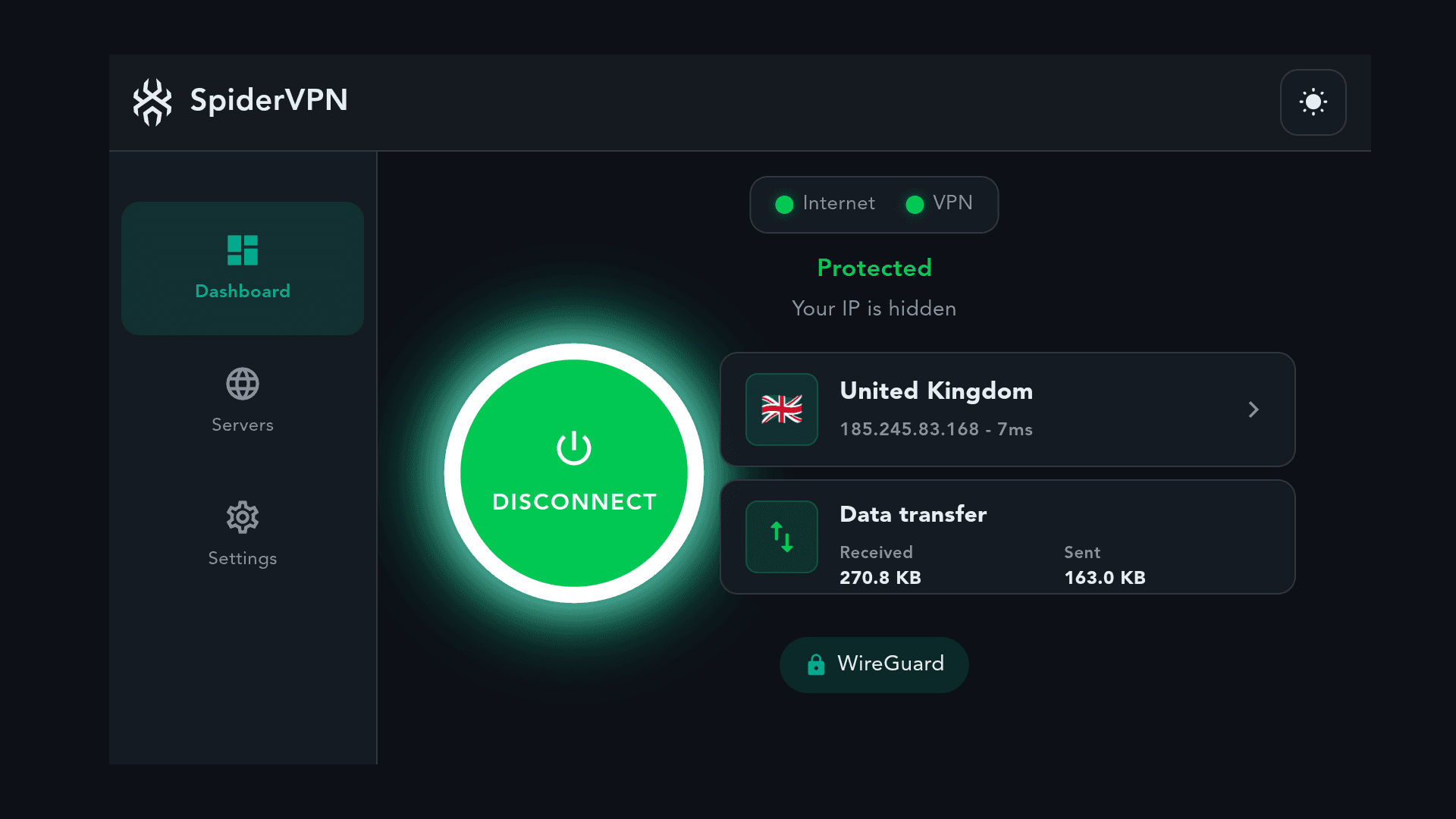
SpiderVPN app dashboard showing a protected connection to a UK server

PLANS

One plan. Every device.

One subscription for up to 10 devices. Add a router to protect the whole home.

Recommended

One subscription for all your devices

Billing term

£2.12/month

£50.99 billed every 2 years. Renews at £50.99 unless you cancel.

New customers: 14 days free, then £50.99 every 2 years. Renews automatically unless you cancel.

Get SpiderVPN

14-day refund for new customers

Add a router (optional)

Covers every device on your Wi-Fi, including TVs and consoles, as 1 of your 10 devices. Ships for £10.00 in the UK or £20.00 internationally.

Refunds, cancelling, privacy and support

  • 14-day refund window
  • How to cancel
  • Privacy policy
  • Setup and support

FAQ

Questions before you choose?

The short version of what people ask before they order. The full FAQ covers setup, billing, and privacy in more detail.

Which plan should I choose?

Software Only covers the SpiderVPN apps on your phones, tablets, and Fire TV. Choose a Lite or Pro router bundle when you want every device on your home network protected without installing an app on each one.

Compare plans

How does billing work?

Plans renew automatically on the term you pick at checkout: monthly, yearly, or every two years. Longer terms lower the effective monthly price, and you can change or cancel from the account area before the next renewal. Subscriptions bought in the App Store or the Amazon Appstore are managed and cancelled in that store, not in the account area.

Can I get a refund?

New customers can ask for a refund within 14 days of first subscribing. If you start with a free trial, those 14 days are the trial itself: cancel in the account area before it ends and you pay nothing, but the payment taken when the trial ends is not refunded. Renewals are not refunded, so cancel from the account area or open a support ticket before the renewal date if you do not want to continue. Subscriptions bought in the App Store or the Amazon Appstore are managed and cancelled in that store, not in the account area.

Read the refund policy

Which devices are supported?

The SpiderVPN app is available now for iPhone and iPad, for Fire TV and Fire tablet and for Linux, and a SpiderVPN router protects everything connected to it. Apps for Apple TV, Android, Mac and Windows are coming soon. The downloads page lists every platform and where to get it.

See downloads

How do I contact support?

Email [email protected]; you do not need an account. If you have an account, you can open a support ticket instead so replies stay in one place. Include your account email, the product, and what you saw on screen. Never send passwords, recovery codes, or full card details.

Email support

Ready to connect?

Choose a plan now, or visit support before you buy.