

SPIDERVPN APPS
Apps for every screen in your home
Install the app on the devices you use, or protect everything at home with a SpiderVPN router.
One account, up to 10 devices at once
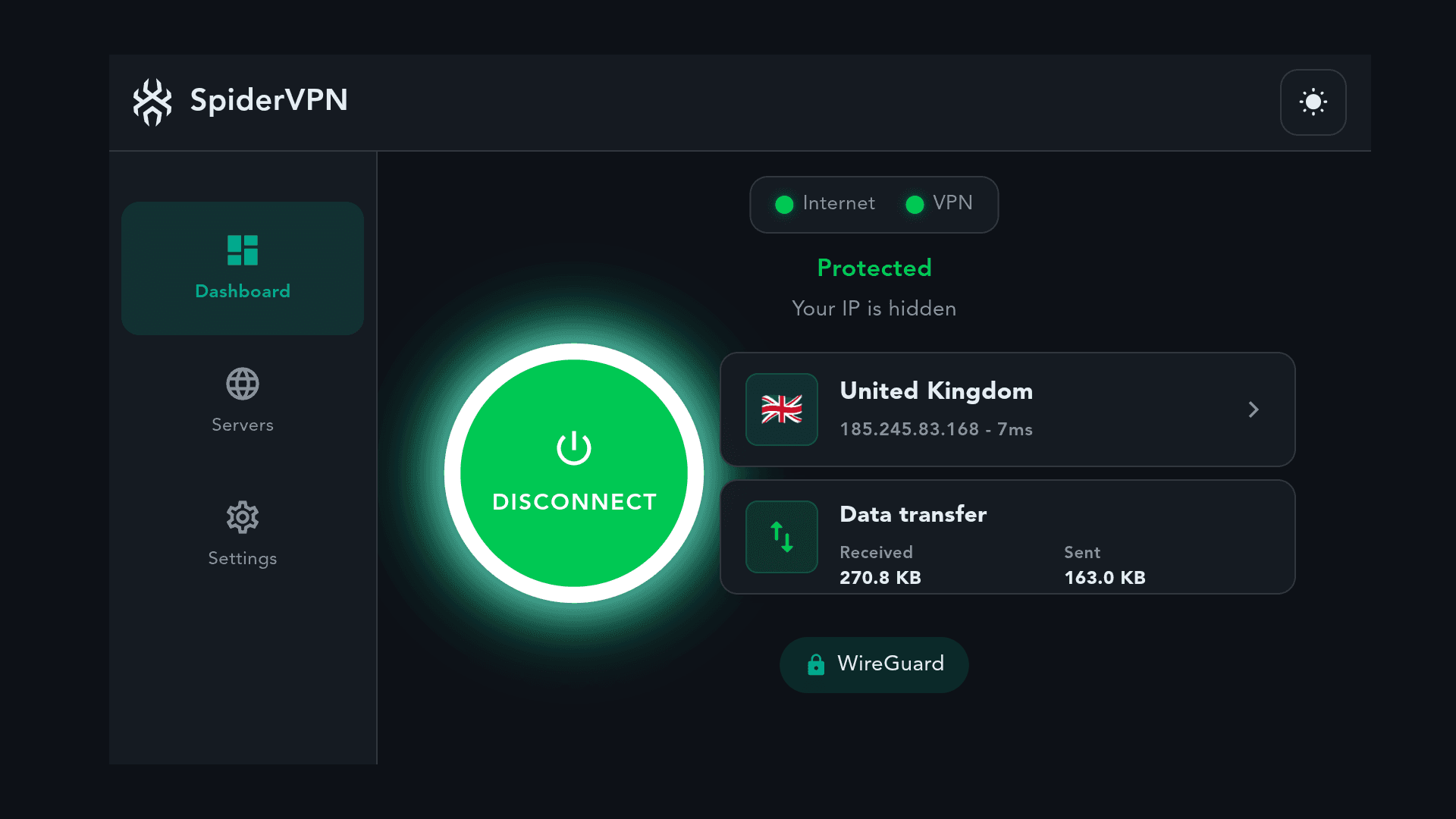
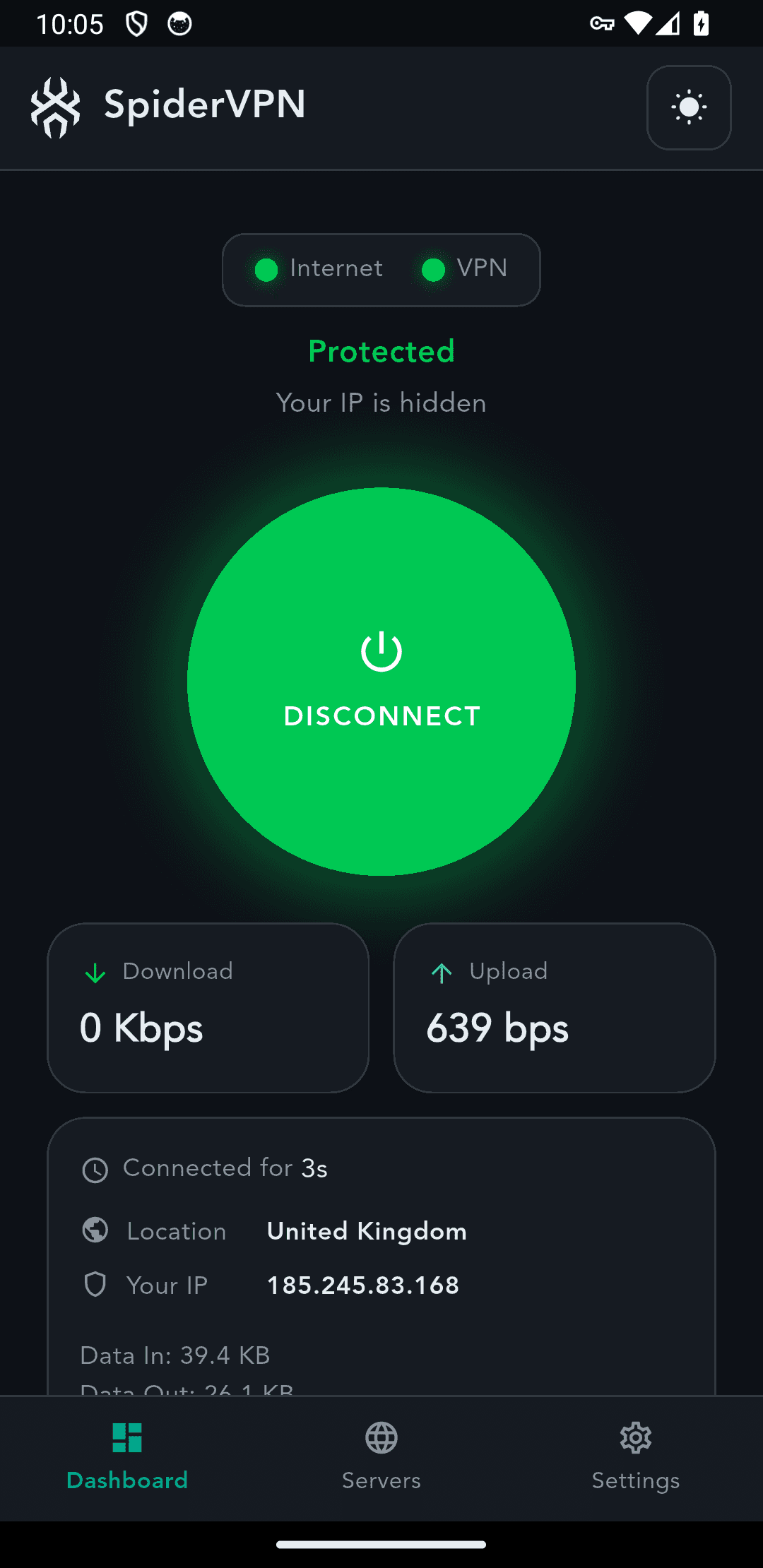
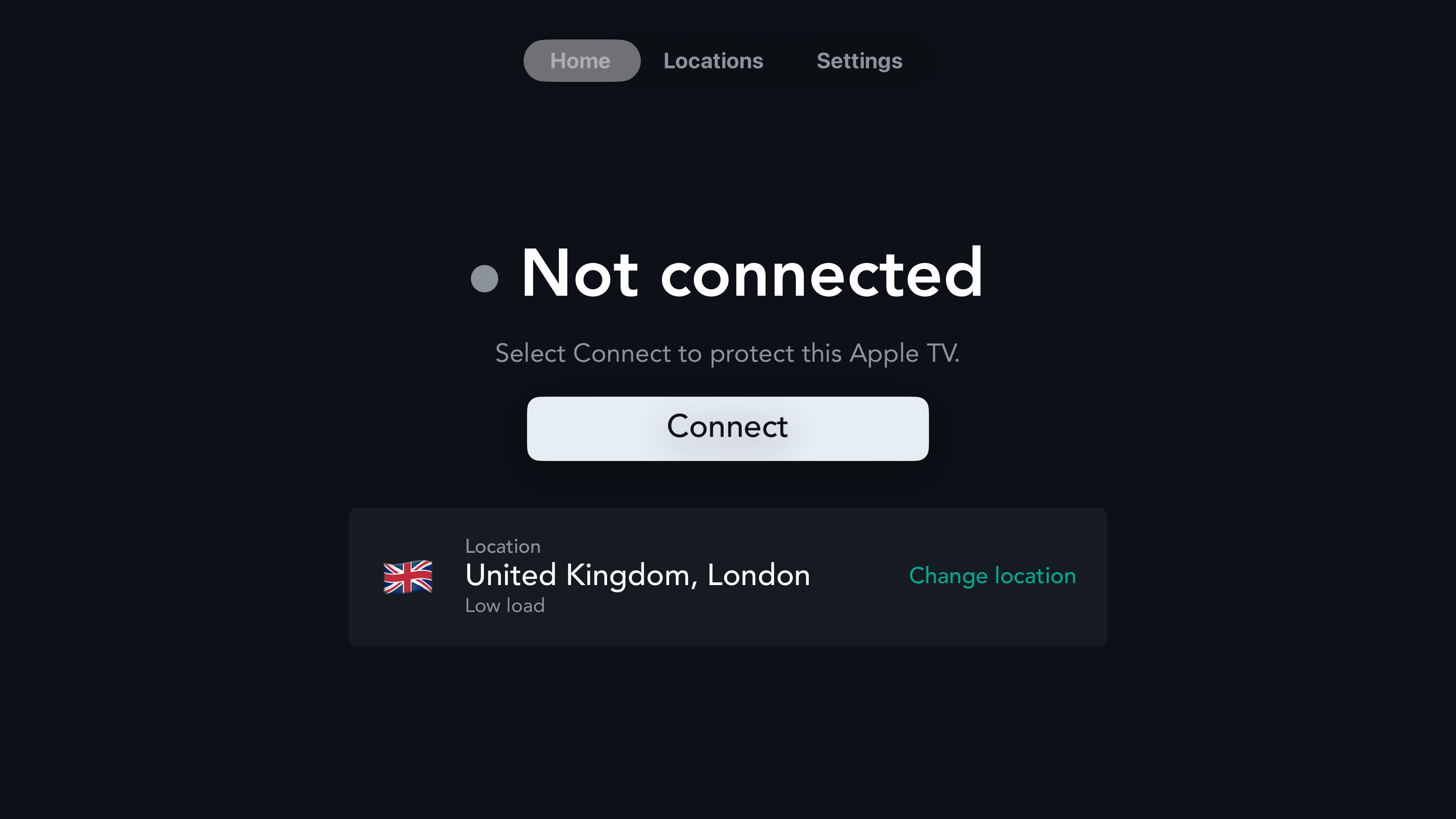
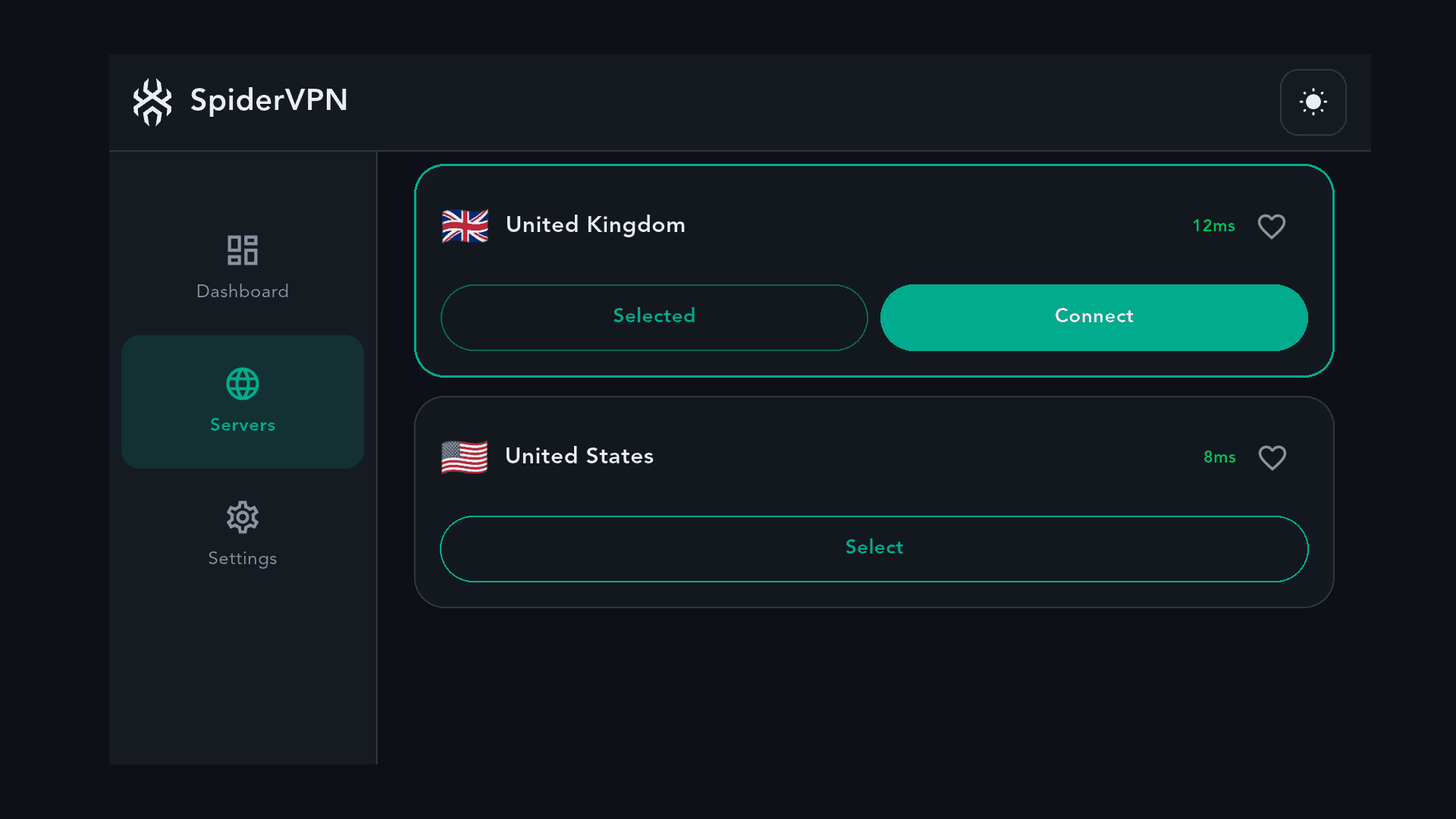
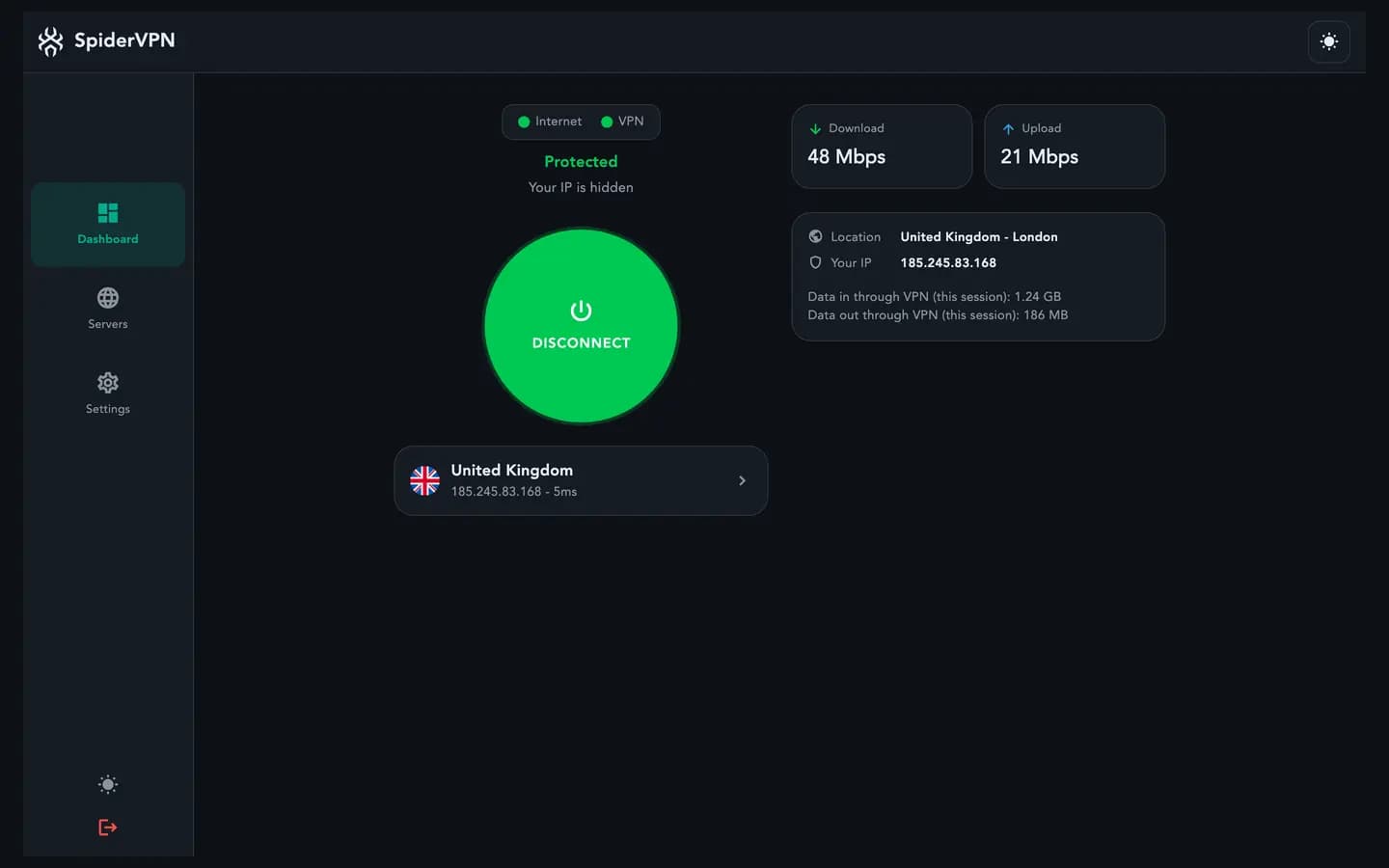
Real screens from SpiderVPN on Fire TV and Android
AVAILABLE NOW
Get SpiderVPN today
Install from the official store, from the SpiderVPN package repository on Linux, or with the SpiderVPN installer on Windows. Or plug in a SpiderVPN router to cover every device on your home network.
iPhone and iPad
Available now
Requirement: iOS 15 or later
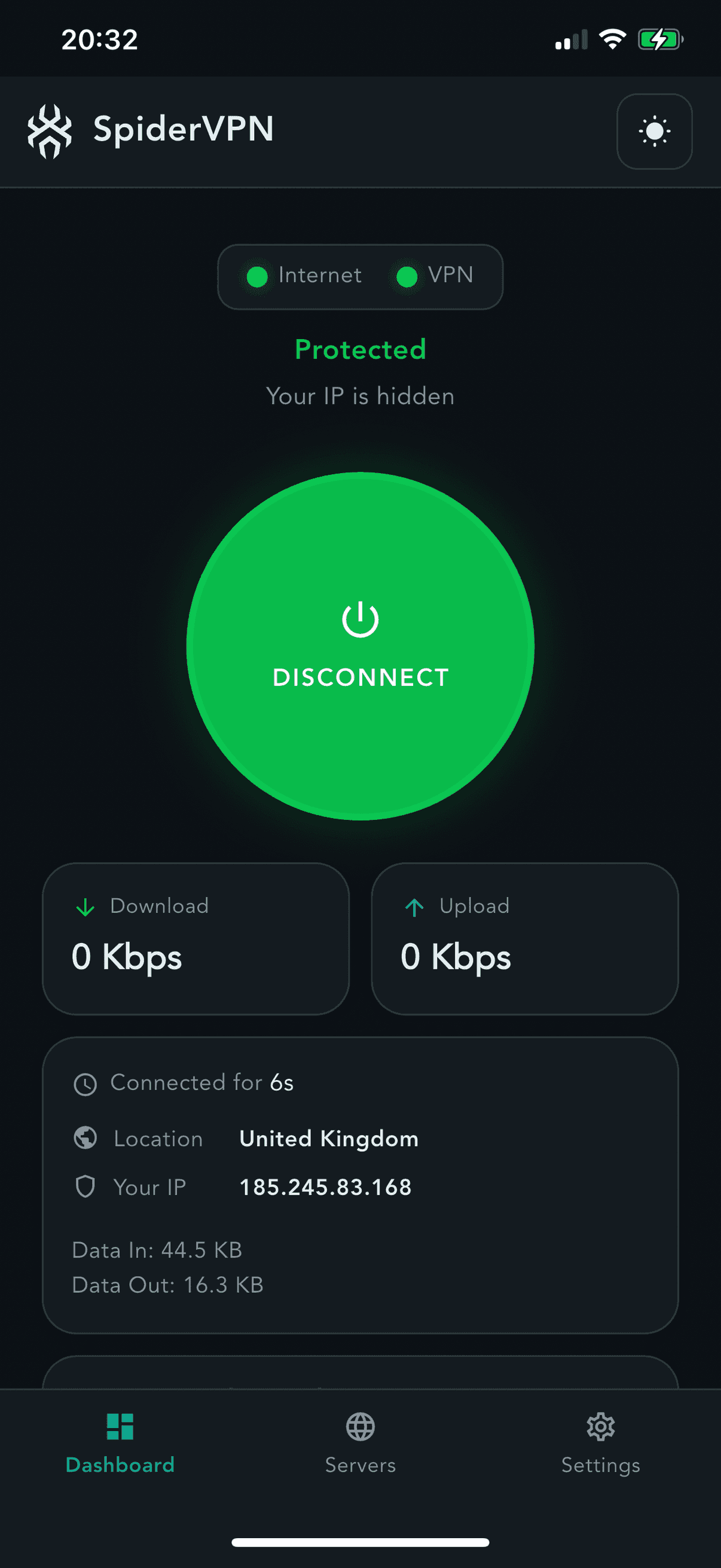
Android phone and tablet
Available now
Requirement: Android 7.0 or later
Fire TV and Fire tablet
Available now
Requirement: Fire OS
Linux
Available now
Requirement: Ubuntu 22.04 or later, or Debian 12 or later (amd64)
Download the setup package.
spidervpn-release_1.0_all.debSHA-256:
b1b3a6d4e1ef9221bb82de50f30fdb1293eacf8d4b062acf2222613cf1b9e0f9All checksums are in the SHA256SUMS (opens in new tab) file.
In the download folder, run:
sudo apt install ./spidervpn-release_1.0_all.deb && sudo apt update && sudo apt install spidervpnTo check the signing key, run:
gpg --show-keys /usr/share/keyrings/spidervpn-archive-keyring.pgpThe fingerprint is
B567E664734C3F18B0E979D5AD9D46D7BFB9E106.
Updates arrive through Software Updater or
Full Linux instructions (opens in new tab)apt upgrade.Windows
Available now
Requirement: Windows 10 (version 1903 or later) or Windows 11, 64-bit (x64)
Download the installer.
SpiderVPN-Setup-1.7.2.exeSHA-256:
9f12d252f9b12f37576e57ea50162513ceb494094cb604bb35522aa7cd2f08f7All checksums are in the SHA256SUMS (opens in new tab) file.
Open the installer and follow the steps.
As SpiderVPN is a new app, Windows may show “Windows protected your PC”. Choose More info, then Run anyway. The publisher shown is VPNFAST LTD.
The app does not update itself: download each new version from this page.
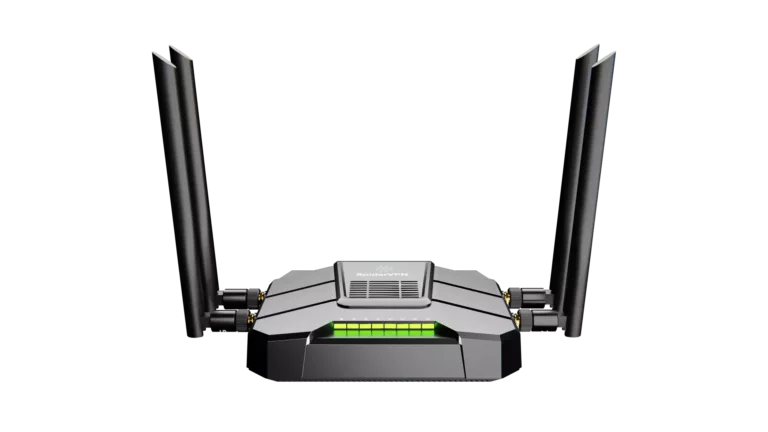
SpiderVPN Router
Available now
Requirement: Preconfigured router
OpenWrt and other WireGuard routers
Available now
Requirement: OpenWrt with WireGuard, or any router that can import a WireGuard config


COMING SOON
More apps on the way
When these apps launch, they are included in your subscription.
Apple TV
In App Store review
Requirement
tvOS 17 or later
Requirement: tvOS 17 or later
Android TV
Coming soon
Requirement
Android TV
Requirement: Android TV
Mac
In App Store review
Requirement
macOS 14, Apple silicon
Requirement: macOS 14, Apple silicon
SET UP IN MINUTES
Three steps to protected
- 1Choose a plan.
- 2Install the app, or plug in the router.
- 3Sign in and connect. On a TV, sign in by scanning a code.
IN THE APP
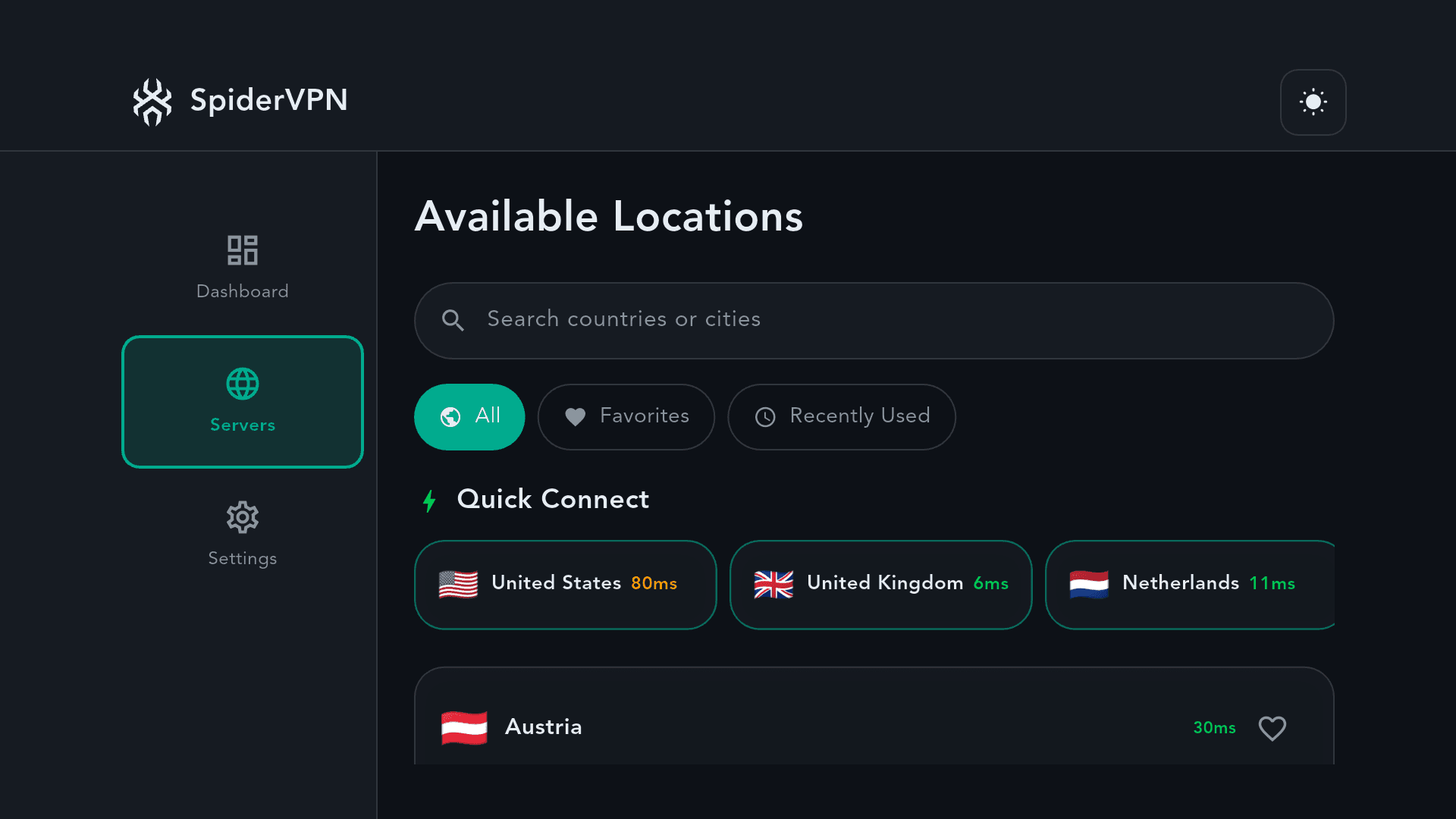
Choose a location, then connect
One plan. Every device.
One account, up to 10 devices at once.
Apple, iPhone, iPad, Mac and Apple TV are trademarks of Apple Inc., registered in the U.S. and other countries and regions. App Store is a service mark of Apple Inc. Amazon, Amazon Appstore, Fire TV and all related marks are trademarks of Amazon.com, Inc. or its affiliates. Android, Google Play and Android TV are trademarks of Google LLC. Windows is a trademark of the Microsoft group of companies. Linux is the registered trademark of Linus Torvalds in the U.S. and other countries. OpenWrt is a registered trademark of Software Freedom Conservancy. SpiderVPN is not affiliated with or endorsed by the OpenWrt project.